video playback settings iphone xr
Launch the Amazon Prime app on your iPhone or iPad. With lots of settings to be changed by the user and Apple stands for simplicity and would never introduce.

How To Fix An Apple Iphone Xr That Keeps Lagging And Freezing After Updating Ios To Version 12 1 4 Troubleshooting Guide
This gives it a pixel density of 326PPI which is identical to the iPhone 8 and previous small screen iPhones but less.
. An icon resided on the lower-right corner in the app. You can delete the app by tap and hold on to the app until it jiggles and the x sign shows up. Step 2 Click the drop-down button of Profile to open the profile menu and in this menu choose the output format as your need.
Iphone 11 is splash water and dust resistant and was tested under controlled laboratory conditions with a rating of ip68 under iec standard 60529 maximum depth of 2 metres up to 30 minutes. To open the video playback settings select the Start button then enter Settings. A lot of people did not see the problems with video playback on the previous iOS 123 builds on the Xs.
The iPhone 5s and onward have the slow-motion videos recording feature. To accommodate the process the 4K videos of higher resolution shall be converted to a lower resolution like 1080p or 720p if you have older models. At last Tap Save to make the changes.
Splash water and dust resistance are not permanent conditions and resistance might decrease as a result of normal wear. WonderFox HD Video Converter Factory Pro is an easy-to-use iPhone video converter which can help you fix iPhone video playback issues on all iPhone series even on iPad Apple TV or other iDevices. If everything is ok click the.
Not everyone sees that. The Wi-Fi feature Ask to Join Networks Auto-Brightness and True Tone were turned off. If youre concerned about using too much cellular data watching shows you can turn this feature.
So if these video playback problems have troubled you for some days you can convert these videos to the format compatible with iPhone video specs. Flagship iPhone features a big 67-inch OLED display and triple-camera sensor turn on lower-right. Under Streaming Options tap Wi-Fi.
Note for those with NEW iPhone XR. Preinstalled apps use about 4GB. The TV app on iPhone or iPad allows you to bring all of your shows and movies together in one app.
IPhone 6s7 Plus can capture slow-motion videos at 720p 240fps or 1080p 120fps. This method works for the frozen app issue as well. I have an iPhone XR and whenever I record videos and watch them they dont have sound or rather the sound is very muffled and has almost no audio.
Turn on Low Data Mode or tap Data Mode then choose Low Data Mode. Visit business insiders homepage for more stories. An innovative backlight design allows the screen to stretch into the corners.
Select Auto Play and turn off the toggle of Allow Auto Play on this device. Also make sure you update the app itself in iTunes to the latest version. Adjust and preview sound effects and haptics.
Tap on the Settings icon on the upper-right corner. Bluetooth was paired with headphones. To learn about how can you save battery when playing video along with other battery-saving tips see Battery saving tips.
Up to 65 hours. The new display on iPhone XR is the most advanced LCD in the industry. If you compare iPhone XS and XR side by side you will notice the stutter.
Update your software to version 1211 on your iPhone and the freezing that occurs on the video playback will work. Scroll down and tap TV. Go to My Stuff.
All settings were default except. To turn Cellular Data on or off go to Settings Cellular. Secondly right now only iPhone 8 Plus iPhone X iPhone XR iPhone XS Max iPad Pro and iPhone 11 series in 105-inch 129-inch 11-inch and 129-inch can play 4K and HDR videos flawlessly.
You can also connect your streaming services such as Hulu Netflix and HBONow. For the iPhone XR which Apple now sells for just 599 Apple advertises 25 hours talk time 15 hours internet use 16 hours of video playback and 65 hours of audio playback. IPhone XR is splash water and dust resistant and was tested under controlled laboratory conditions with a rating of IP67 under IEC standard 60529 maximum depth of 1 meter up to 30 minutes.
5G Gigabit LTE VoLTE and Wi-Fi calling are available in select and. Step 1 Simply drag and drop the video or audio file that iPhone XsXs MaxXrX88 Plus unsupported to the program main interface. Select Settings Apps Video playback.
Along with How do I reduce playback speed on my iPhone. You can sign in with your cable provider to watch shows from ABC NBC and many others. IPhone 8 iPhone X and the latest iPhone XSXR have support for 1080p at 120fps or 240fps.
The iPhone XR has a 61-inch IPS LCD with a resolution of 1792x828. Recorded videos is the only place my sound doesnt work it works for playing music voice memos. Select High Quality uses more data or.
720p 240 fps vs 1080p 120fps 1080p 120fps vs 1080p 240fps which one delivers better quality. Bigger jump on iPhone 12 Pro video playback settings iphone 12 pro max has the best apps with widget support here recording high-quality in. If youre having issues with video playback see Troubleshooting poor video playback.
For these apps you can control video playback using the video playback settings in windows 11. Launch the Settings app on your iPhone. Tap the x sign and select Delete on the pop-up screen to confirm.
How do I change video playback settings on iPhone. Step 3 Before starting the conversion you can edit your file by clicking Trim icon. Uninstalling the app from your iPhone then reinstall it back is also helpful.
This mode pauses automatic updates and background tasks when iPhone isn. Video tests consisted of repeated playback of a 2-hour 23-minute movie purchased from the iTunes Store. Up to 16 hours Wireless audio playback.
Wi-Fi was associated with a network for all but the Internet LTE test. To increase or decrease the volume press the volume buttons on iPhoneTo set other audio options go to Settings Accessibility VoiceOver Audio then set options such as the following. To set options when Cellular Data is on go to Settings Cellular Cellular Data Options then do any of the following.
Including iOS and preinstalled apps depending on the model and settings. Ive adjusted the volume several times and even have restarted my phone multiple times as well.
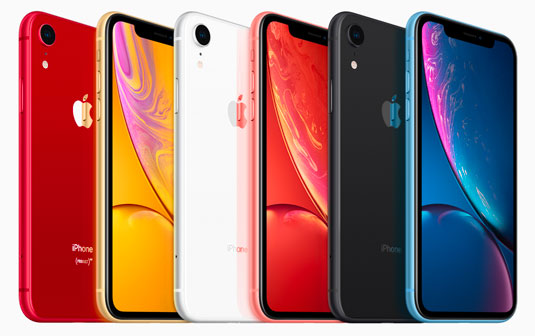
Differences Between Iphone Xr Models Everyiphone Com
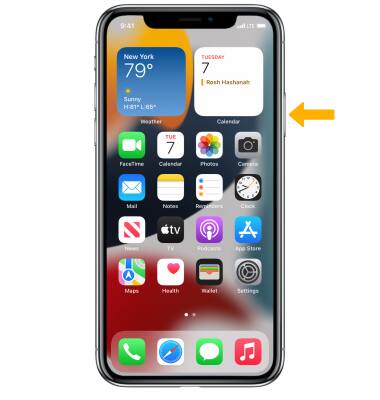
Apple Iphone Xr Device Layout At T
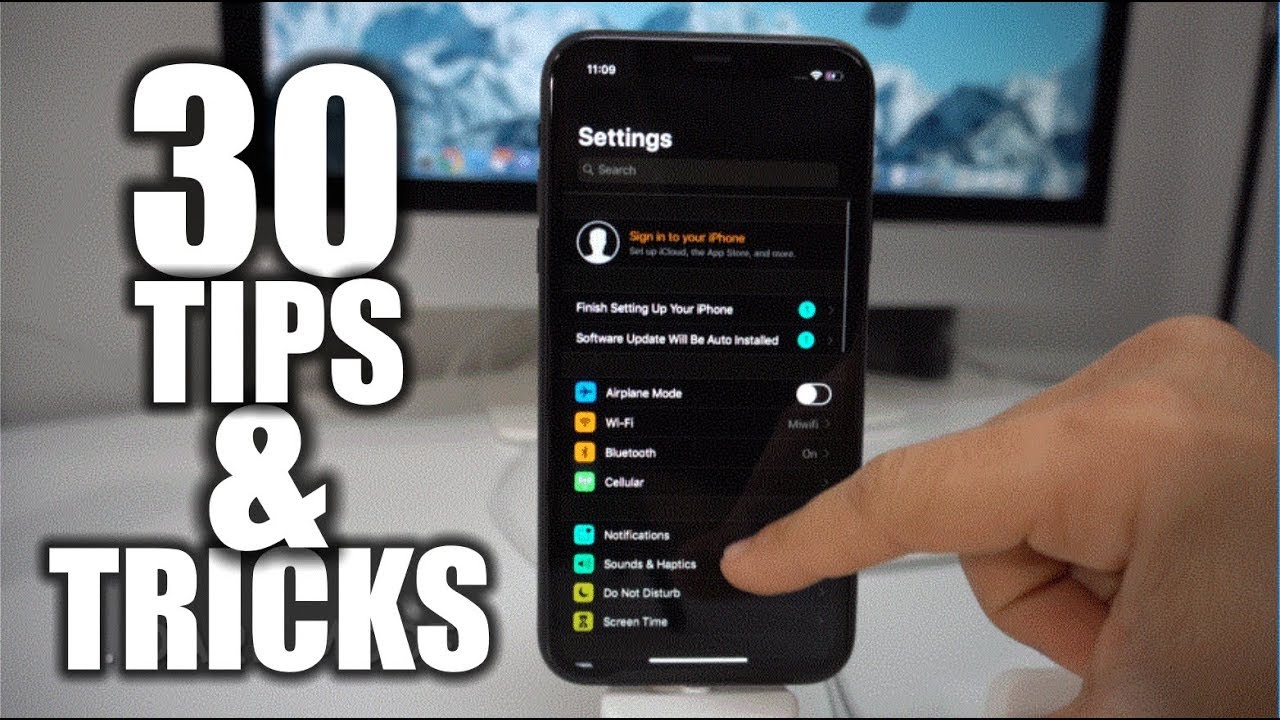
30 Best Tips Tricks For Apple Iphone Xr Youtube
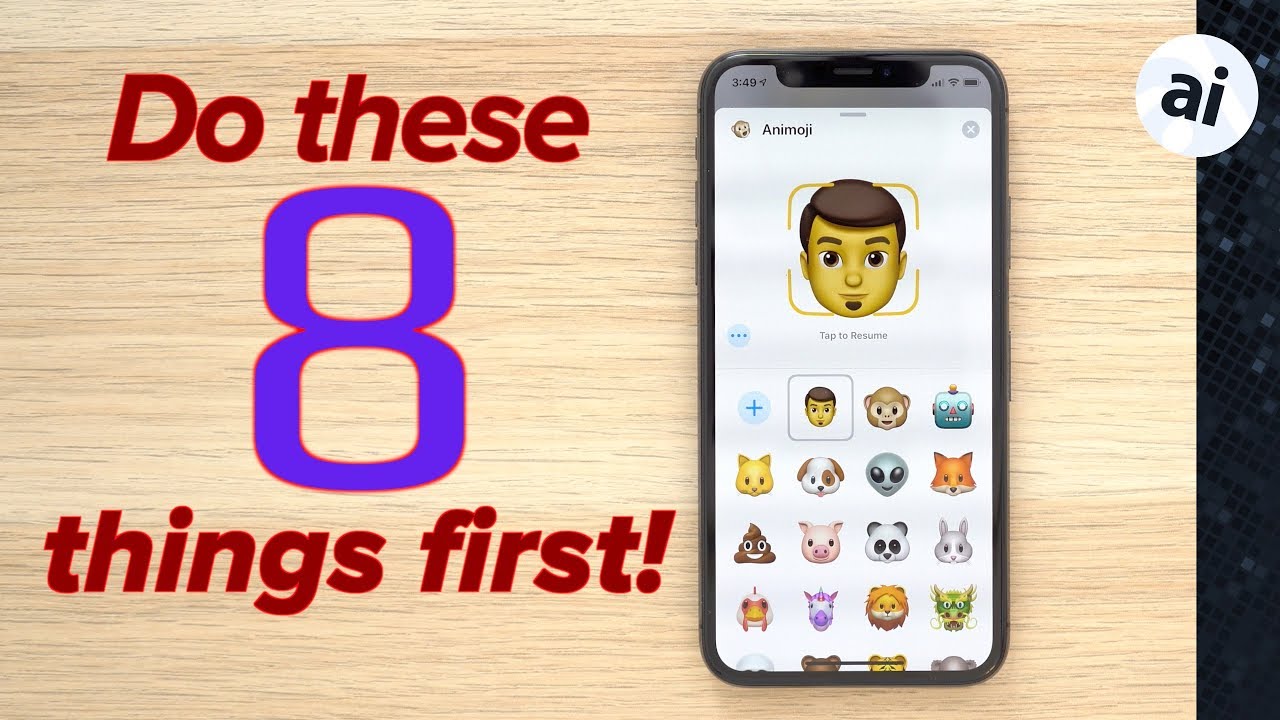
Iphone Xr Xs First 8 Things You Should Do Youtube

How To Shoot 4k Videos On Apple Iphone Xr

Buy Apple Iphone Xr In Ottawa Wirelessrev
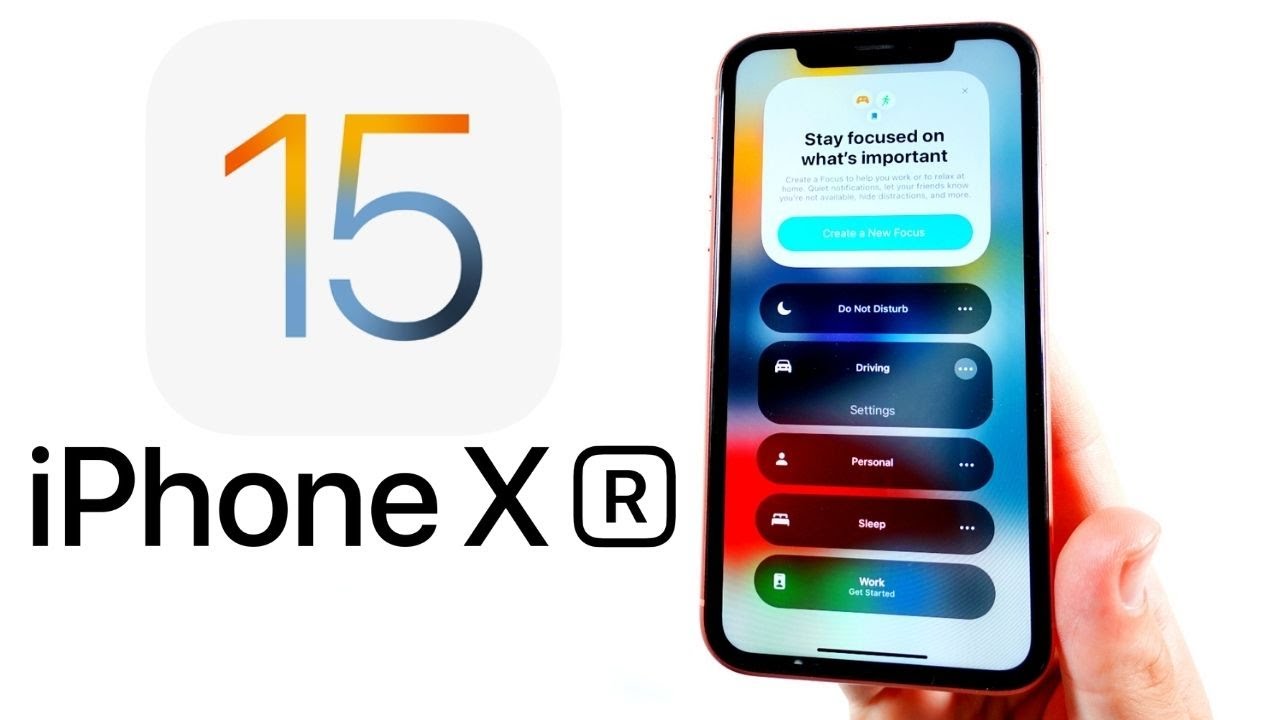
Iphone Xr On Ios 15 How Does It Run Youtube
How To Use Your New Iphone Xr A Beginners Guide To The Buttons And Gestures Youtube
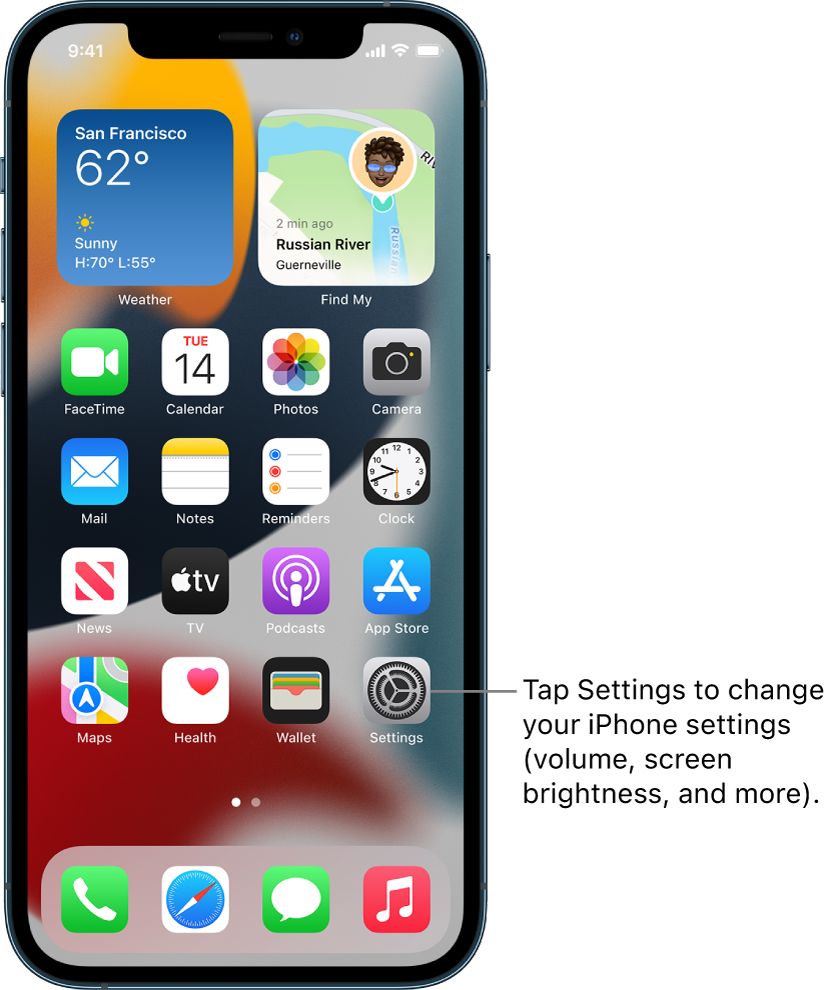
Find Settings On Iphone Apple Support
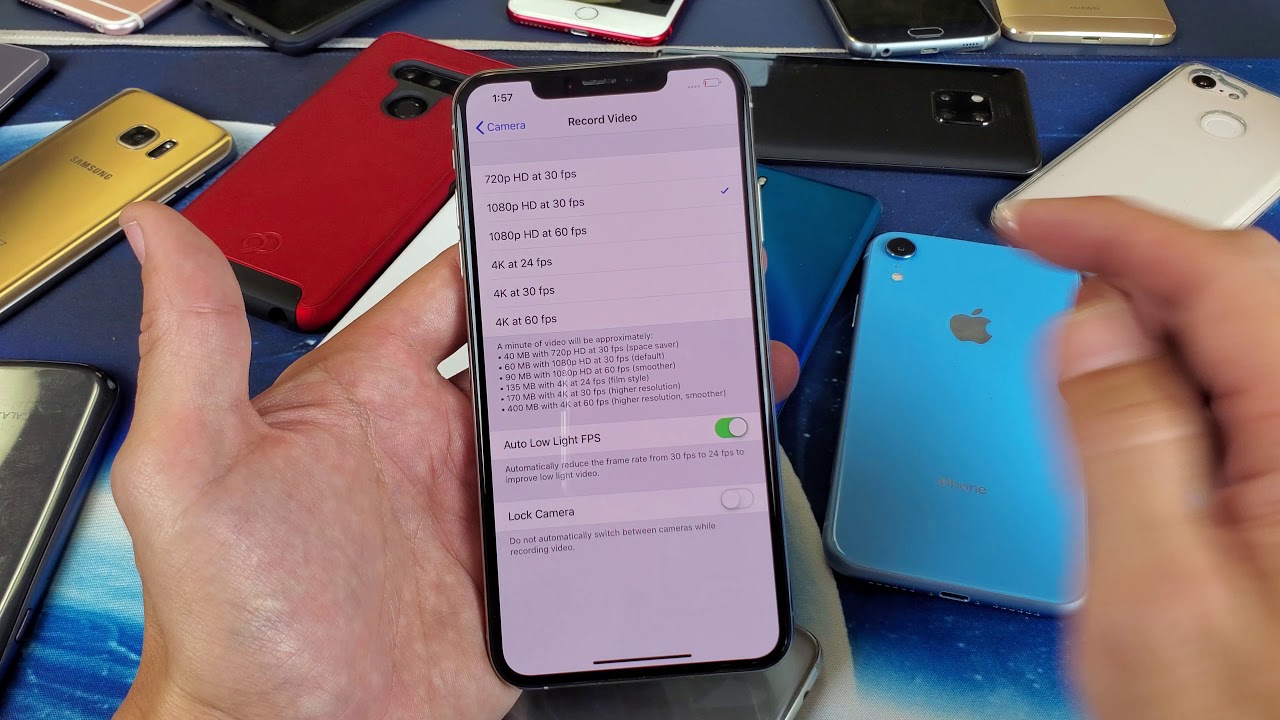
Iphone X Xs Xr How To Change Video Resolution 4k 1080p Hd 720p Etc Youtube

Iphone Xr Smart Battery Case Black Business Apple Ca

Straight Talk Apple Iphone 13 Pro 128gb Silver Prepaid Smartphone Locked To Carrier Straight Talk Walmart Com Wet Iphone System Camera Apple Iphone
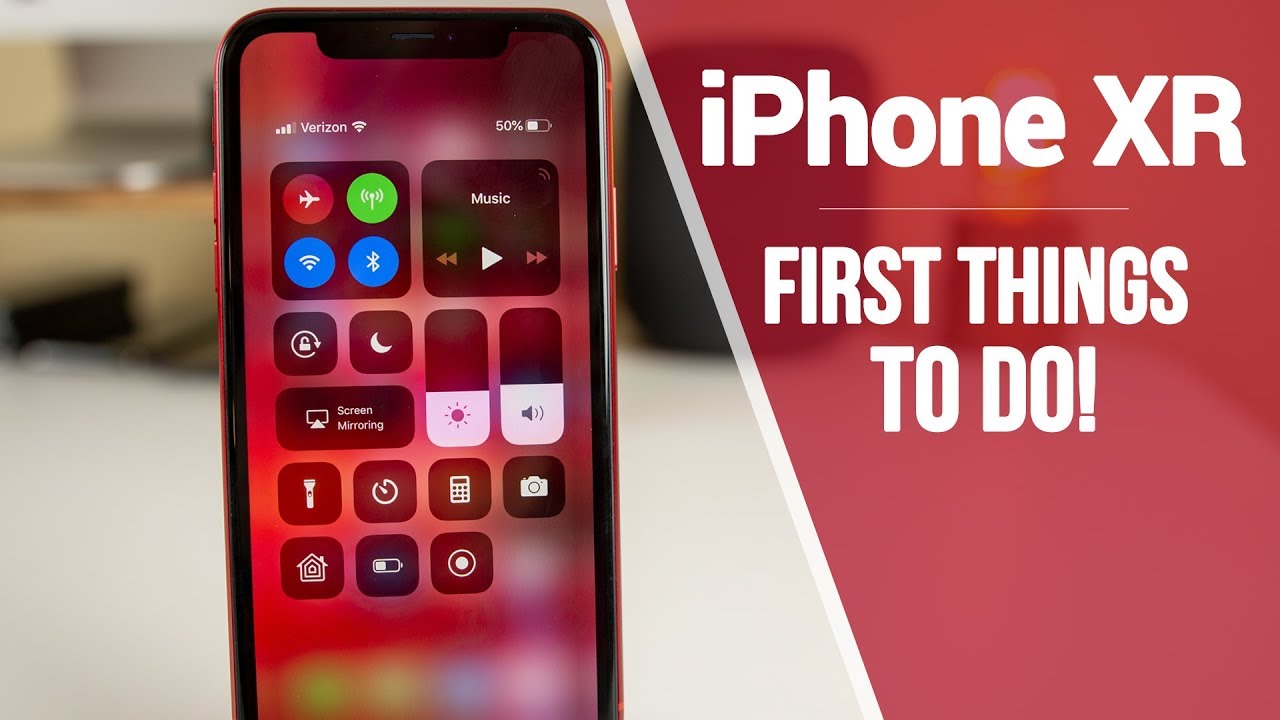
Iphone Xr First 12 Things To Do Youtube

How To Stop Music And Video Playback In Ios Using A Timer Video Iphone Clock Clock Icon Iphone App Design
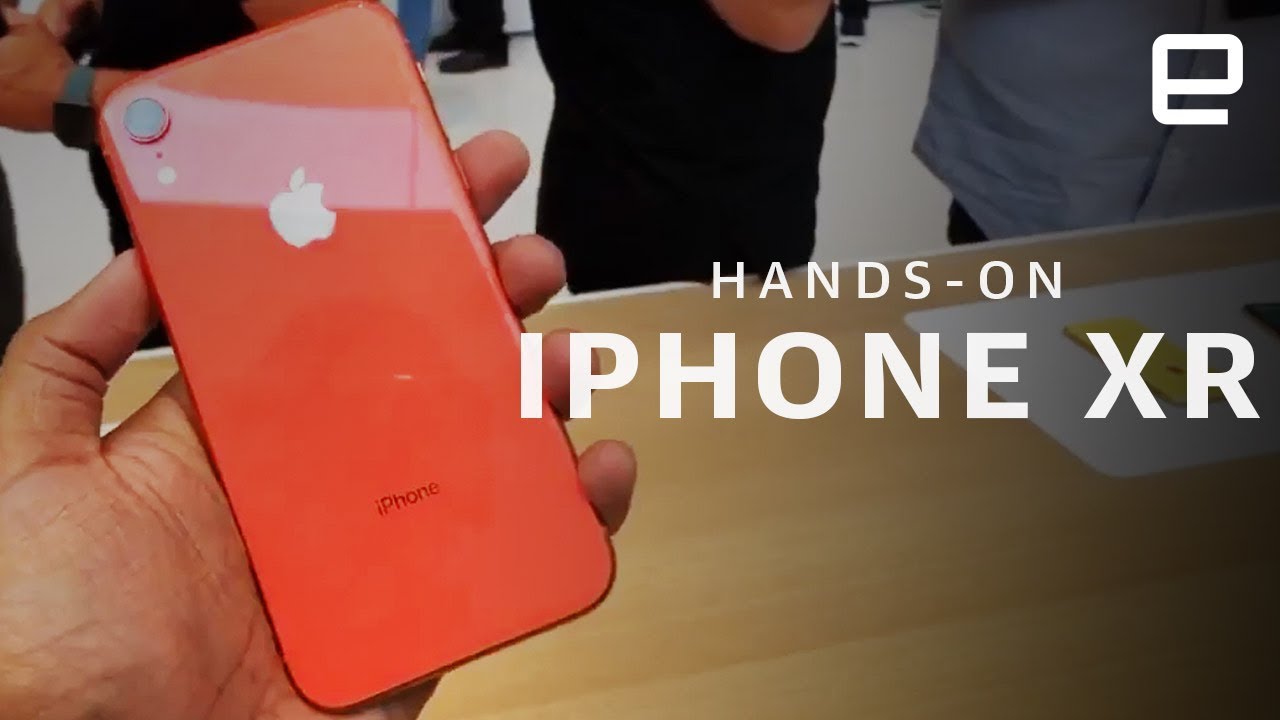
Iphone Xr Hands On Live Youtube

Apple Iphone Xr Keeps Losing Wifi Signal After Ios 13 Youtube
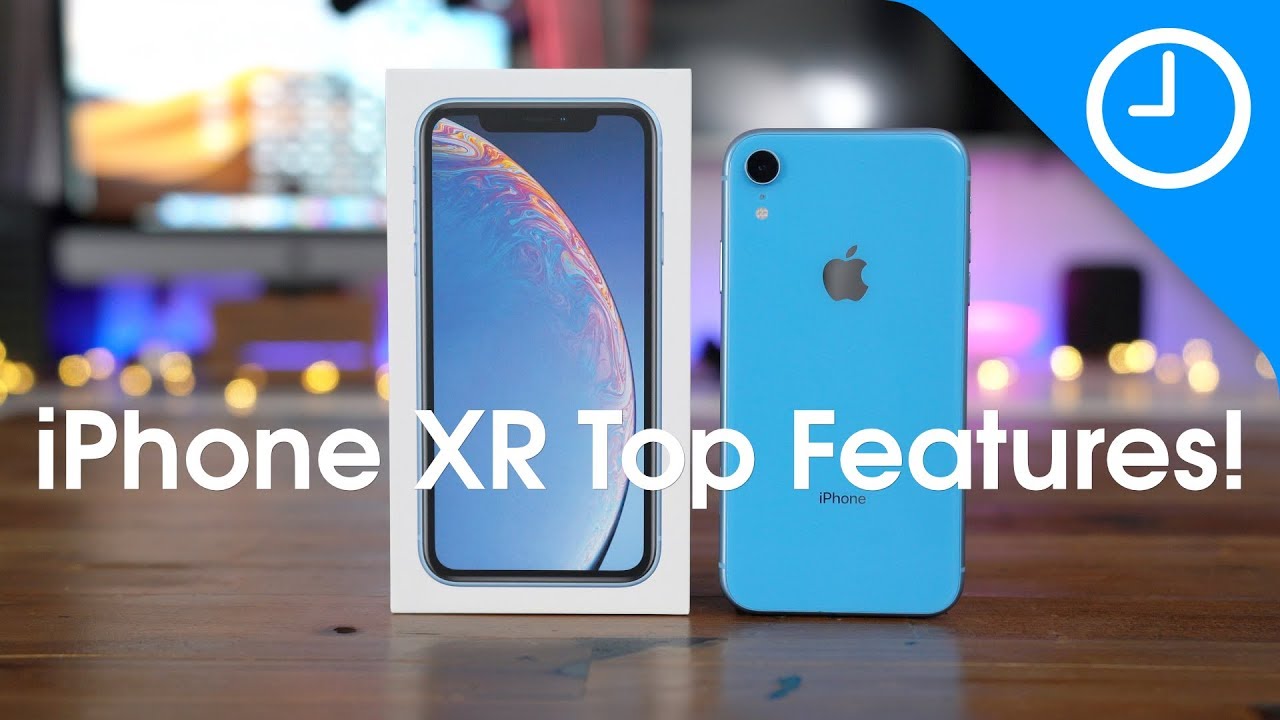
Iphone Xr Top 20 Features Youtube

Iphone 11 Vs Iphone Xr Which Is The Best Iphone Cnet
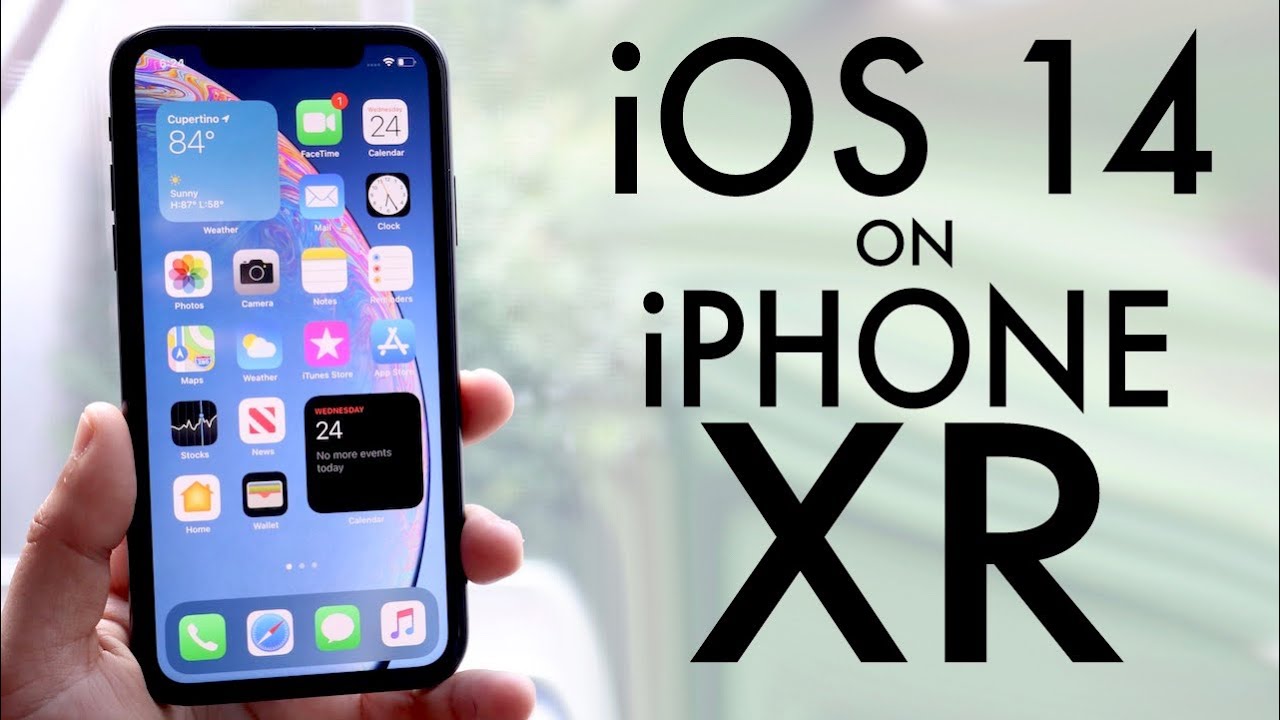
Iphone Xr On Ios 14 Review Youtube